Mottle on mobile: no download needed
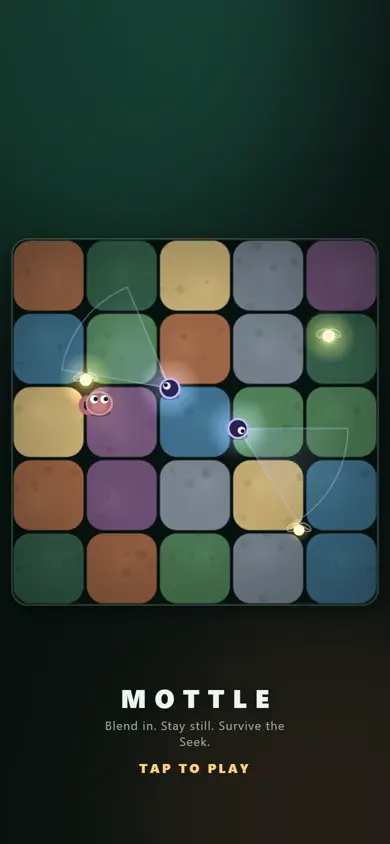
There’s no official Mottle APK or app. Mottle — Hide & Seek runs in your phone’s browser, free, with one thumb. Open 5qbwd96hq.8x.gg in Safari or Chrome, tap the garden, and you’re playing.
How to play Mottle on iPhone or Android
- Open 5qbwd96hq.8x.gg in Safari (iPhone/iPad) or Chrome (Android). The player on our home page works too.
- Wait for the garden to appear, then tap anywhere to start. No sign-up or login screen.
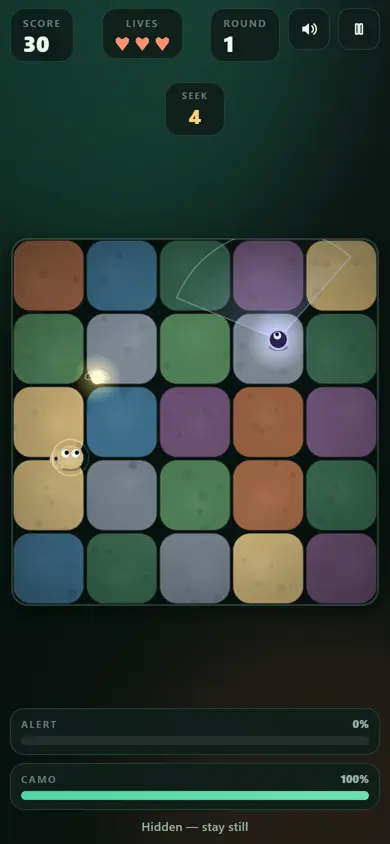
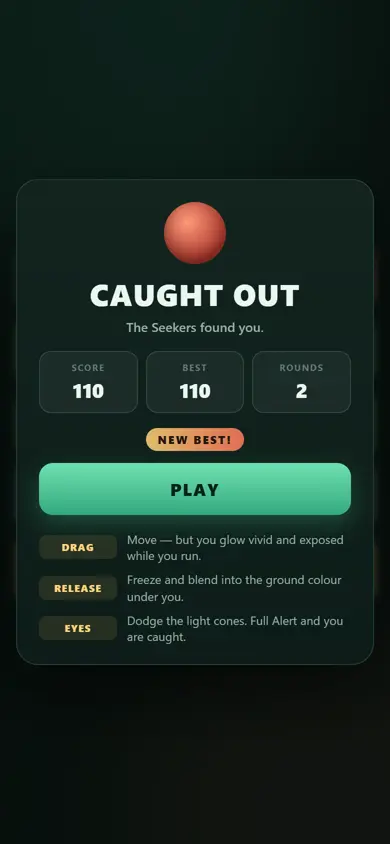
- Hold your thumb where you want the creature to go. Lift it to hide. Put your thumb a little ahead of the creature so you can still see it.
- Turn the phone either way: the game re-lays itself out for portrait or landscape.
Make it feel like an app
8x.gg sets Mottle up as a home-screen web app, so you can give it an icon without installing anything:
- iPhone / iPad (Safari): open the game, tap the Share button, then Add to Home Screen.
- Android (Chrome): open the game, tap the ⋮ menu, then Add to Home screen or Install app.
The icon opens Mottle full screen, without the browser bar, which also gives you more room to play.
What the “8x” app is
On the game’s 8x.gg page you’ll see buttons to get 8x for iPhone/iPad, Android and macOS. That app is 8x.gg itself, a whole platform of small games and tools from many creators. You can play Mottle inside it, and signing in there lets the game save your best score to your account. But it isn’t a Mottle download, and you don’t need it: the browser version is the same game.
Mobile tips
- Turn the sound on. The tick in the last three seconds and the little chime when you finish blending are handy cues on a small screen.
- Lift fully. Resting your thumb on the glass counts as holding. The creature only blends when your thumb is off the screen.
- Switching apps pauses the game, so a notification won’t cost you a life.
- Won’t load? Try the other link (our player or 8x.gg), switch between Wi-Fi and mobile data, or update your browser. On school Wi-Fi, see Mottle unblocked.